Samsung has built a strong reputation for delivering some of the best value tablets around — devices that manage to look and feel premium without straying into flagship price territory. The new Galaxy Tab S10 Lite continues that winning formula, offering a sleek design, reliable performance, and the kind of all-day battery life that makes it perfect for work, play, or anything in between. It’s not trying to reinvent the wheel — just refine what already works exceptionally well in Samsung’s budget-friendly tablet lineup.
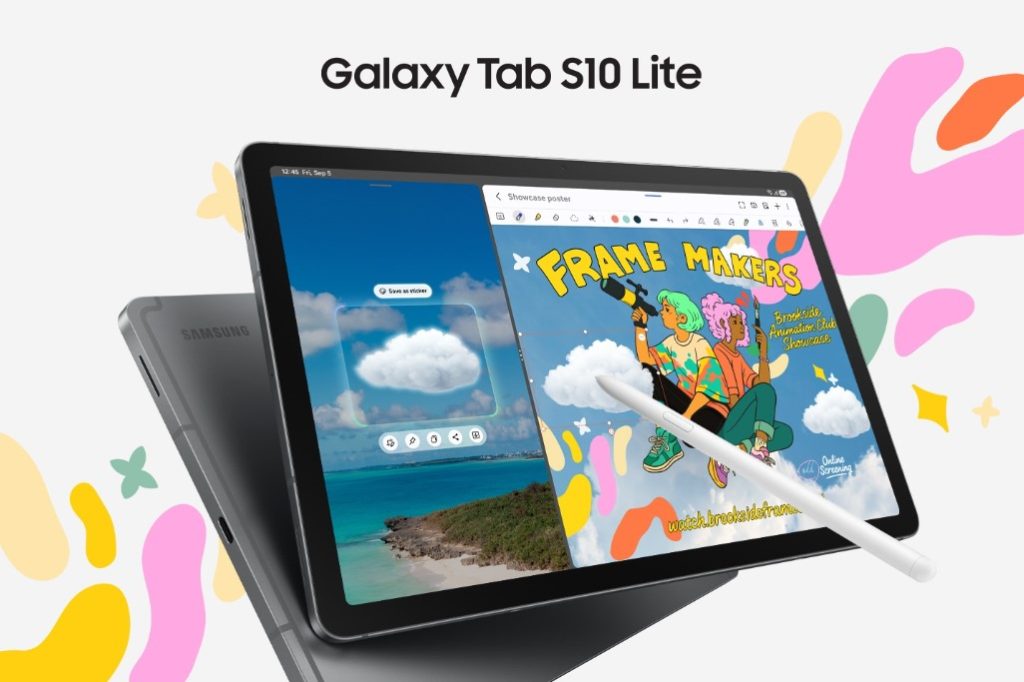
That sense of refinement extends to the Galaxy Tab S10 Lite’s design. Measuring just 6.6mm thin, it’s impressively slim and lightweight, making it a breeze to slip into a tote, backpack, or even carry comfortably in one hand. The aluminum frame and back give it a sturdy, premium feel — the kind you don’t often associate with a device at this price point.
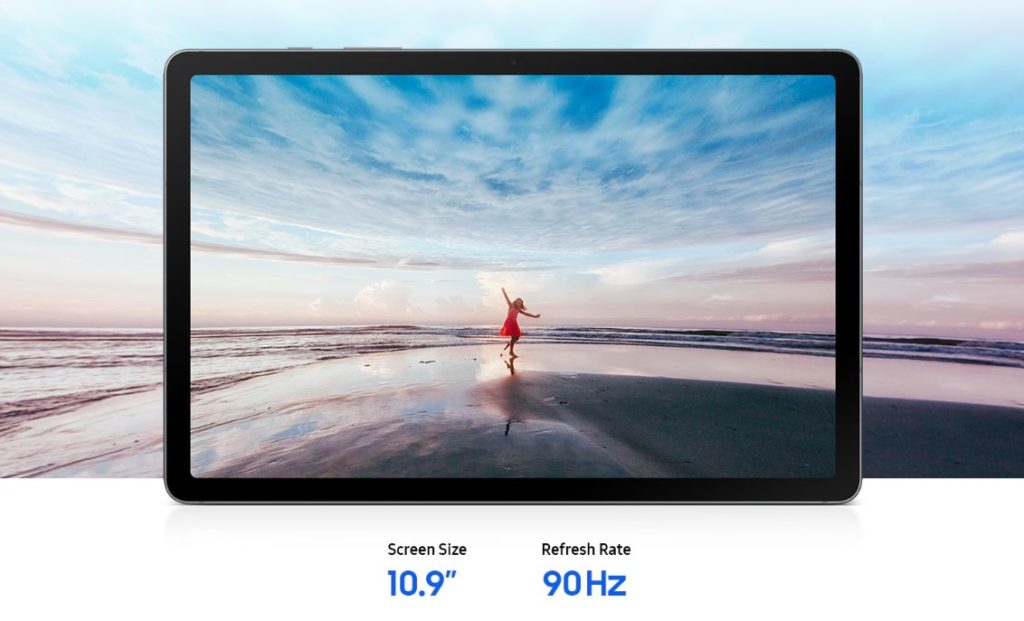
Once you power it on, the Galaxy Tab S10 Lite immediately impresses with its 10.9-inch FHD+ LCD display. Even though it’s not the AMOLED panel you’ll find on Samsung’s pricier tablets, it still looks great in everyday use — colours are lively, details are sharp, and it’s bright enough for both indoor and outdoor viewing.
The 90Hz refresh rate also makes a noticeable difference, keeping everything from web browsing to casual gaming smooth and snappy. I especially appreciate the built-in SGS-certified blue light reduction, which helps reduce eye fatigue during those long streaming or reading sessions.
Building on that display experience, the Galaxy Tab S10 Lite really takes advantage of the extra screen real estate — and this is where it starts to feel more like a creative and productivity companion than just a media device.
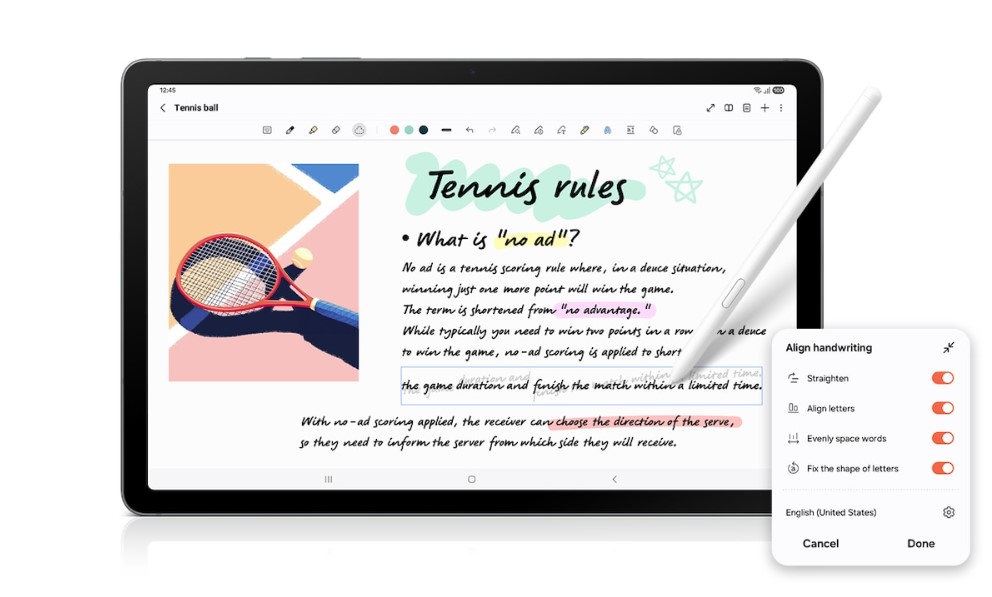
The S Pen plays a big role here. Sketching on the big 10.9-inch canvas feels natural, and Samsung’s Drawing Assist makes it even better by transforming rough shapes into clean, polished lines. Even if you’re not the most artistically gifted, the tablet gives your ideas a little boost so they look more intentional.
I also love how quickly you can pull the S Pen out to jot down a thought — Handwriting Help keeps everything neat by guiding your strokes into straighter lines, and if you prefer a typed look, your notes can be instantly converted into text for easier reviewing or sharing.
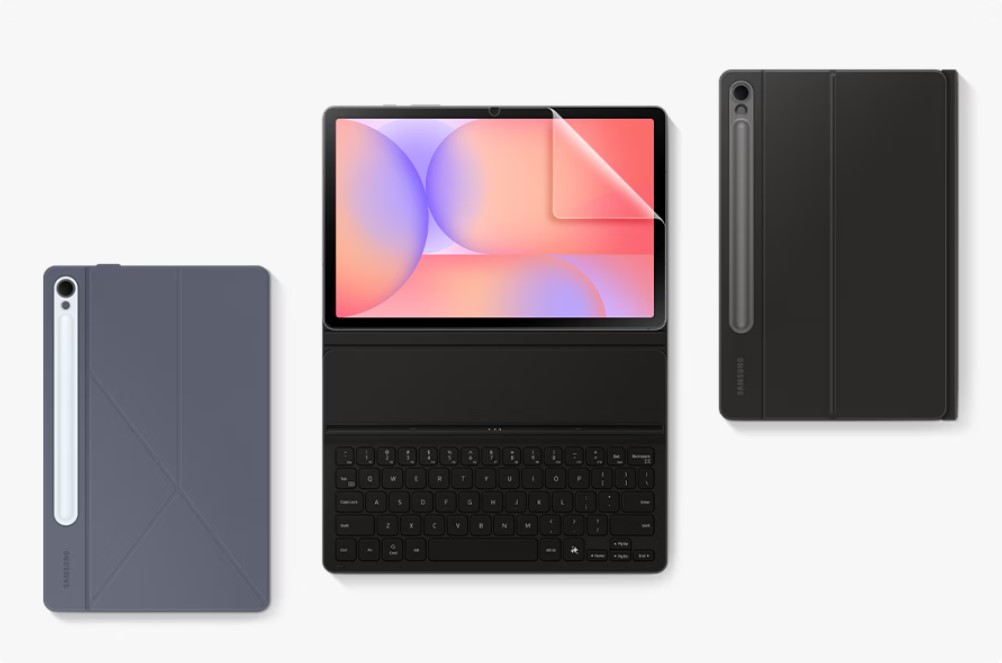
The large display also shines when multitasking. Pair the tablet with the Book Cover Keyboard, and you get a surprisingly laptop-like setup, especially with Samsung’s split-screen and multi-window features. You can divide the screen into up to three sections – meaning you can have notes on one side, a browser on another, and perhaps a messaging app tucked into the corner.
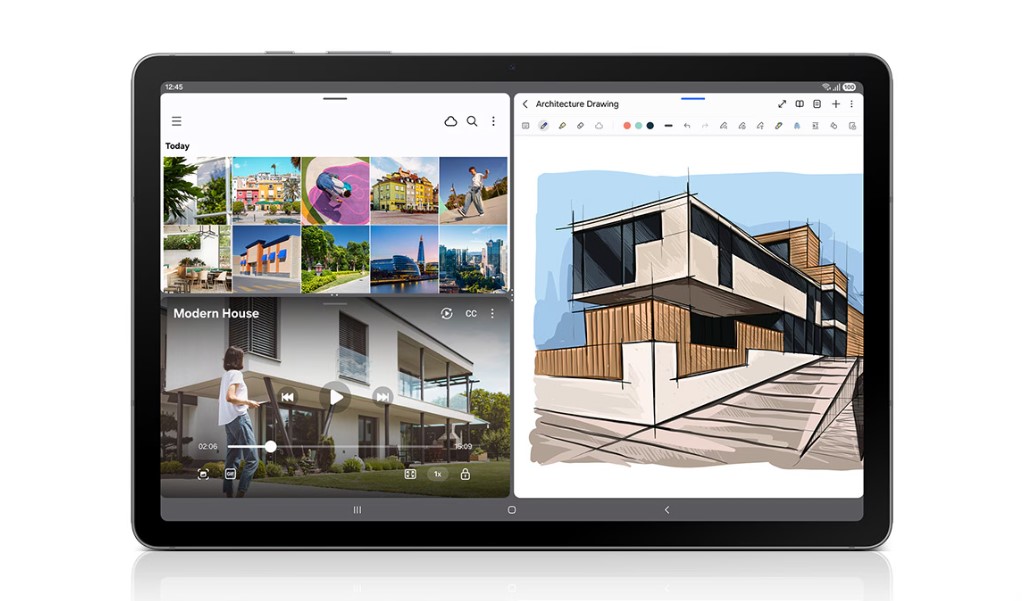
And as if the Galaxy Tab S10 Lite wasn’t already pulling more weight than expected, Samsung’s growing integration of AI features pushes the experience even further — especially when paired with the big display and S Pen workflow.
One of the standout additions is Gemini Live where screen-sharing becomes smarter and far more intuitive. Instead of simply mirroring what you see, you can actually talk to the AI in real time about whatever’s on your screen. Whether you’re reviewing notes or sketching out ideas, Gemini Live understands the context instantly and can help you respond, rewrite, summarize, or take action right away.
Circle to Search is another feature that feels almost made for a tablet-sized display. If something catches your eye regardless whether its a product, a landmark, or a piece of art — you simply circle it with the S Pen or your finger and the tablet will pull up relevant information instantly without interrupting whatever you’re doing. It keeps the whole experience flowing smoothly, and it’s incredibly handy during research, shopping, or even casual browsing.
Shifting over to performance, the Galaxy Tab S10 Lite holds its own surprisingly well for a budget-friendly tablet. Samsung’s Exynos 1380 chipset keeps everyday tasks feeling smooth and responsive, whether you’re hopping between note-taking apps, streaming content, sketching with the S Pen, or juggling multiple windows in split-screen mode. It’s not aiming to be a powerhouse for heavy gaming or intensive 3D workloads, but for productivity, schoolwork, entertainment, and creative hobbies, it delivers exactly what you need without fuss.
The model I’m using comes with 6GB of RAM and 128GB of storage — enough for casual multitasking and storing your essential apps, files, and drawings. And if you ever need more room, Samsung’s expandable storage support makes it easy to keep the tablet feeling fresh even as your content library grows.

Battery life is another area where Samsung’s tablets consistently shine, and the Tab S10 Lite is no exception. The 8,000mAh battery comfortably lasts through a full day of mixed use, whether that’s streaming, sketching, or handling school or work tasks. When you do need to top it up, the 25W fast-charging can take it from empty to full in just about two hours.
All in all, the Samsung Galaxy Tab S10 Lite is a standout choice for anyone looking for a budget-friendly tablet that doesn’t feel cheap. At just S$438, it delivers premium design, a smooth display, practical AI features, and solid battery life — making it a fantastic pick for students, creatives, or anyone who wants a dependable daily tablet without breaking the bank.
